 |
|
| Home | Site Map | Contact Us |
 |
|||||
| V@LET STB Series /Edgile 4G /Xtera Series /LENS | |||||
|
|||||
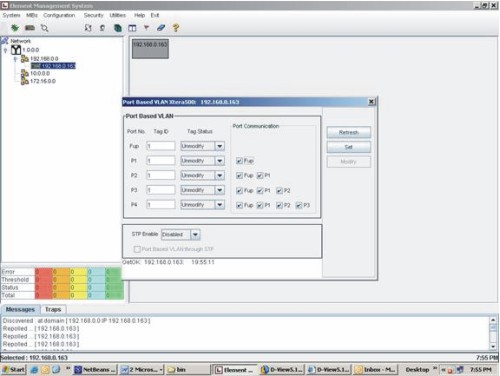 |
Port Based VLAN Configuration
• LENS
• Introduction
• Features
• Benefits
• Specifications
• Dowload PDF
• Edgile 4G
Discovery
LENS supports different types of discovery and repoll features. You can specify any IP range for discovery and EMS will discover all the switches in that range. All the newly discovered switches will automatically be added to the data store as well as in the network tree view. Current status of all the previously discovered switches is also checked and updated into the GUI. So the user will always have the current state of the network. Any repelled information is multicast to all the active administrators to keep them updated.
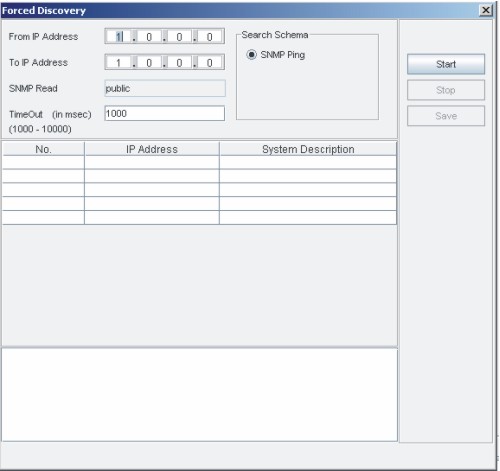
Forced Discovery
Security
LENS provides robust security for application usages. The security Management is divided into three module named User Management, Group Management and operation management. Any user can belong to single or multiple groups or may be stand alone. Permissions may be assigned to groups or to single users. User will enjoy the combined permissions of all the groups he belongs. Only the allowed operations can be performed by any user rest will be disabled on the GUI.
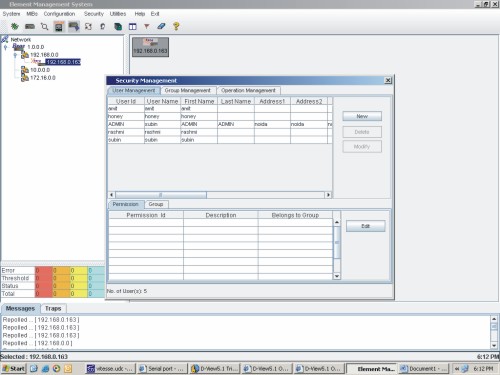
Security Management
Performance
LENS provides better data analysis feature with the help of graphs. Performance counters graphs and Port traffic graphs are two main features of the application. User can view performance counter graphs based on given criteria. Last two hours, last 24 hours and any day's graphs are available. The port traffic graph shows the current traffic on the port.
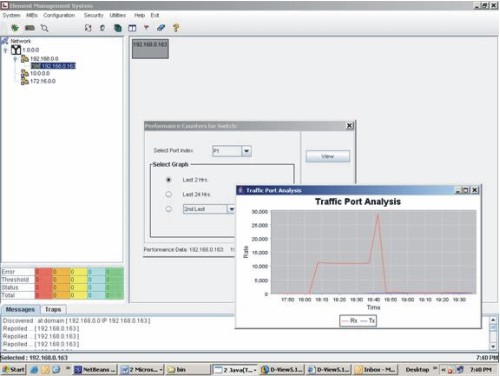
Performance Counters Graph
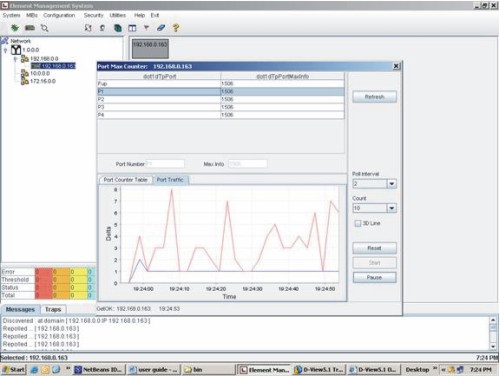
Port Traffic Graph
System Features
| Copyright © 2006, Logic Eastern. | terms of use | |||||